Find the right date
Suggest dates, share a link and see at a glance when suits most people. No sign-up, no tracking and end-to-end encrypted.
Create a date pollAll features1. Suggest dates
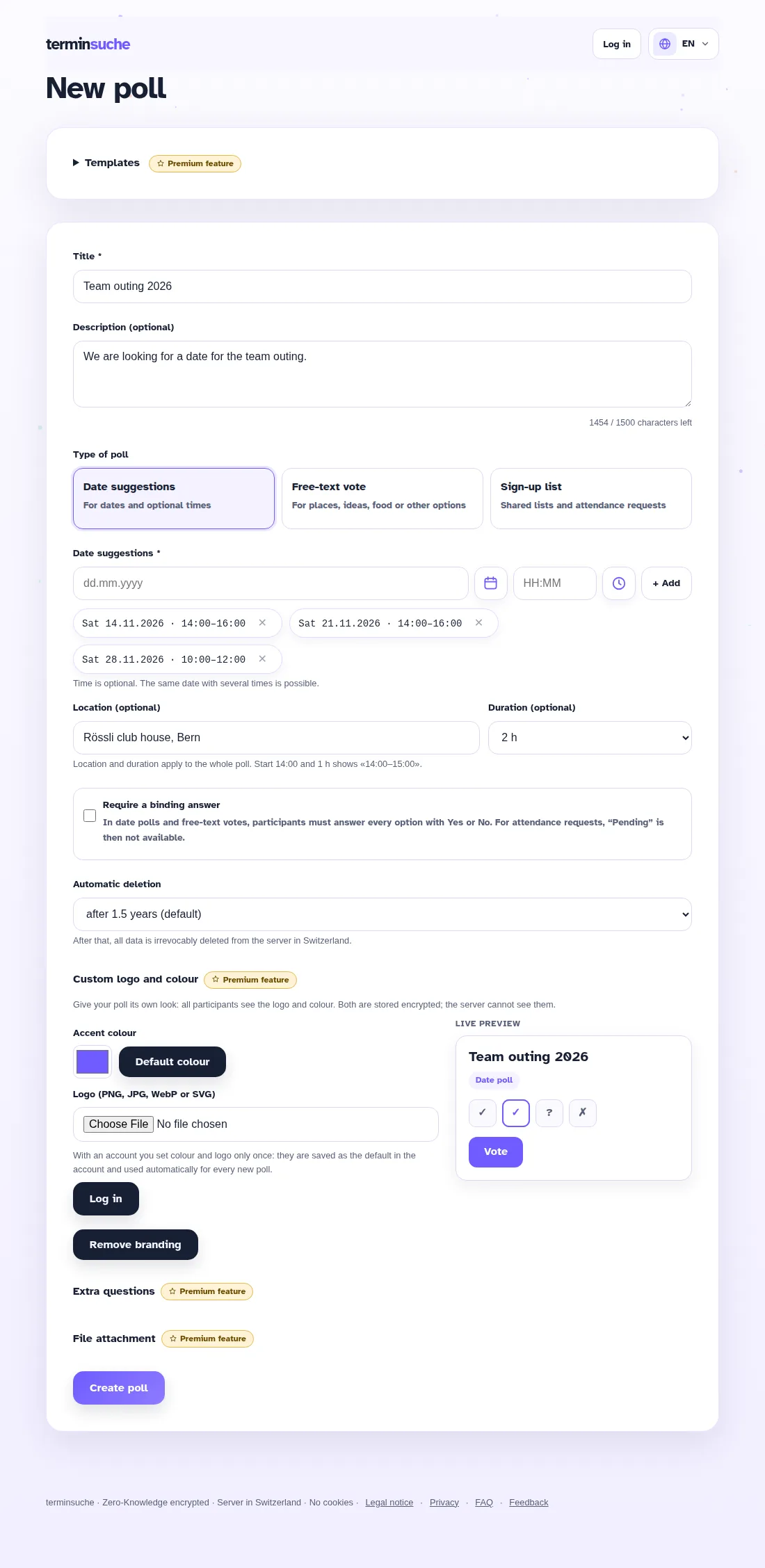
Enter a title and optionally a description, and add dates in the Swiss format – with or without a time. Several times on the same day are also possible.
- Choose the retention period: after that, everything is irrevocably deleted.
- Optional: participants must answer every option with Yes or No.
- Optional: remarks field for additional notes.
- Type dates and times in short form: “7.7.” becomes the date, “7” becomes 07:00 and “750” becomes 07:50.
- Optional: location and duration (15 minutes to 4 hours, or a custom duration). Proposals then show the time range, e.g. 14:00–16:00.

2. Share the link
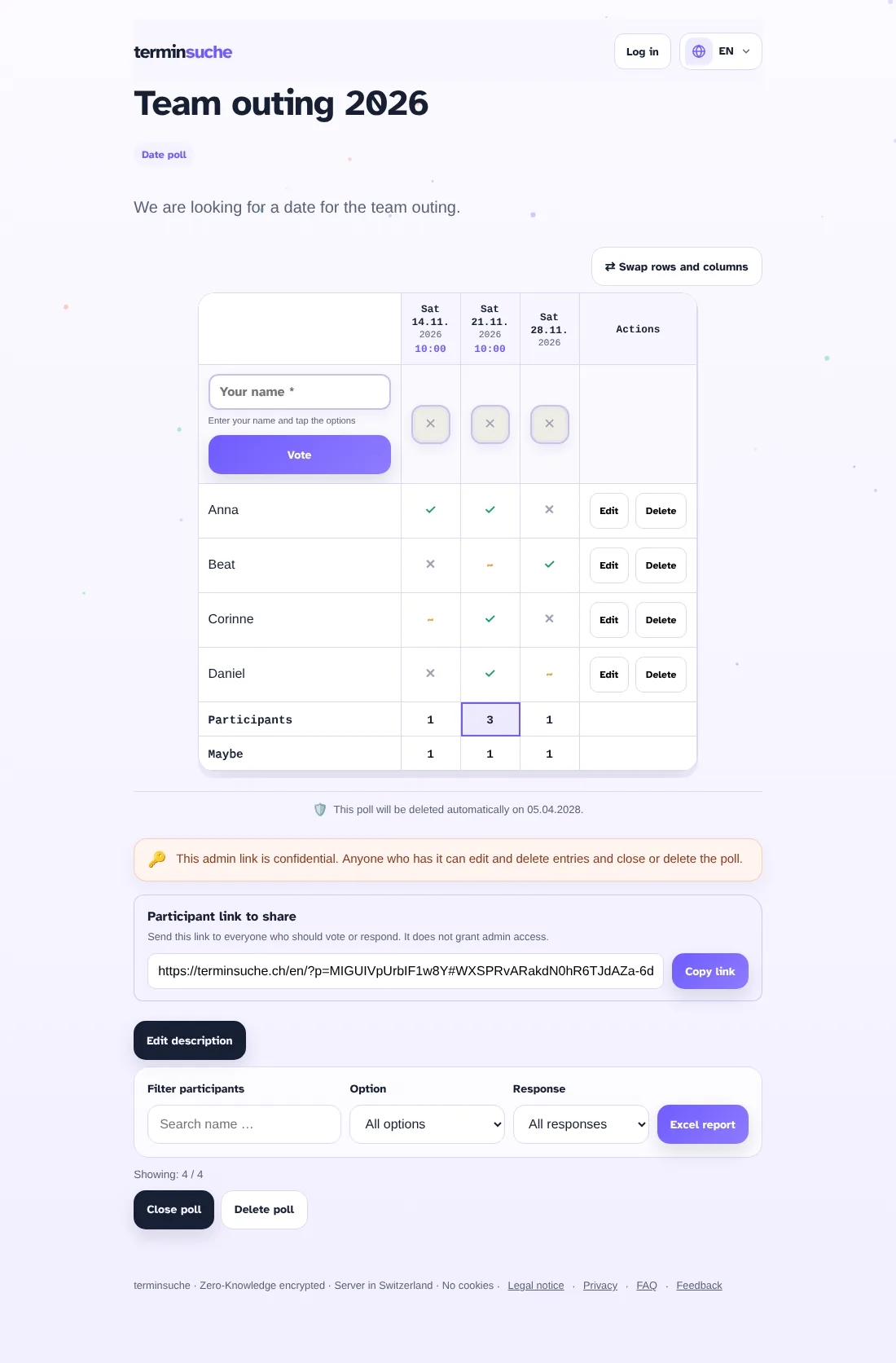
After creating the poll you get two links:
- Participant link – send it to everyone who should vote.
- Admin link – confidential, just for you. Use it to edit votes and to close or delete the poll.
Save both links carefully. The key is part of the link and cannot be recovered.
3. Vote
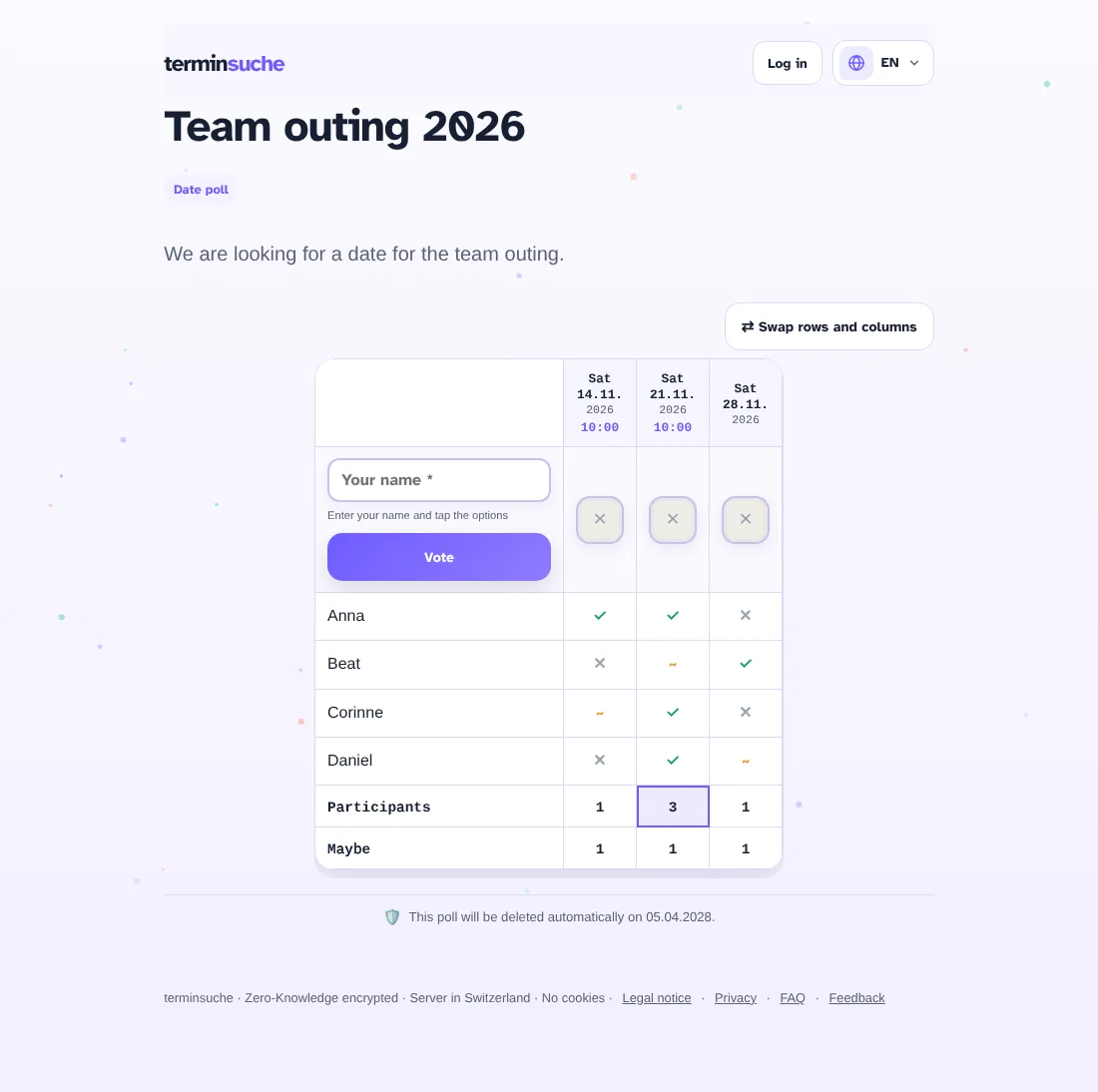
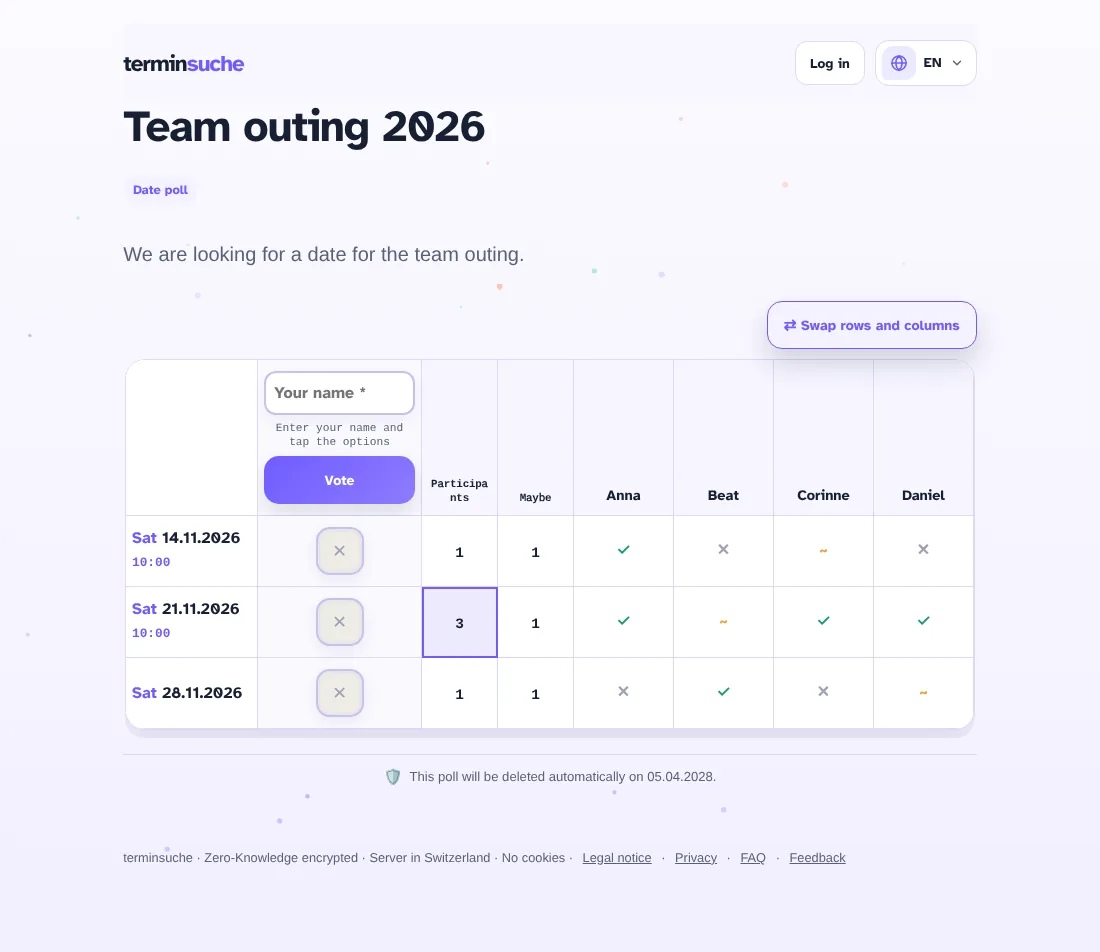
Participants enter their name and tap ✓ (works), ~ (maybe) or ✕ (doesn't work) for each date. No account and no email address needed.
The totals row shows how many people can make each date. The best date is highlighted.
On your phone too
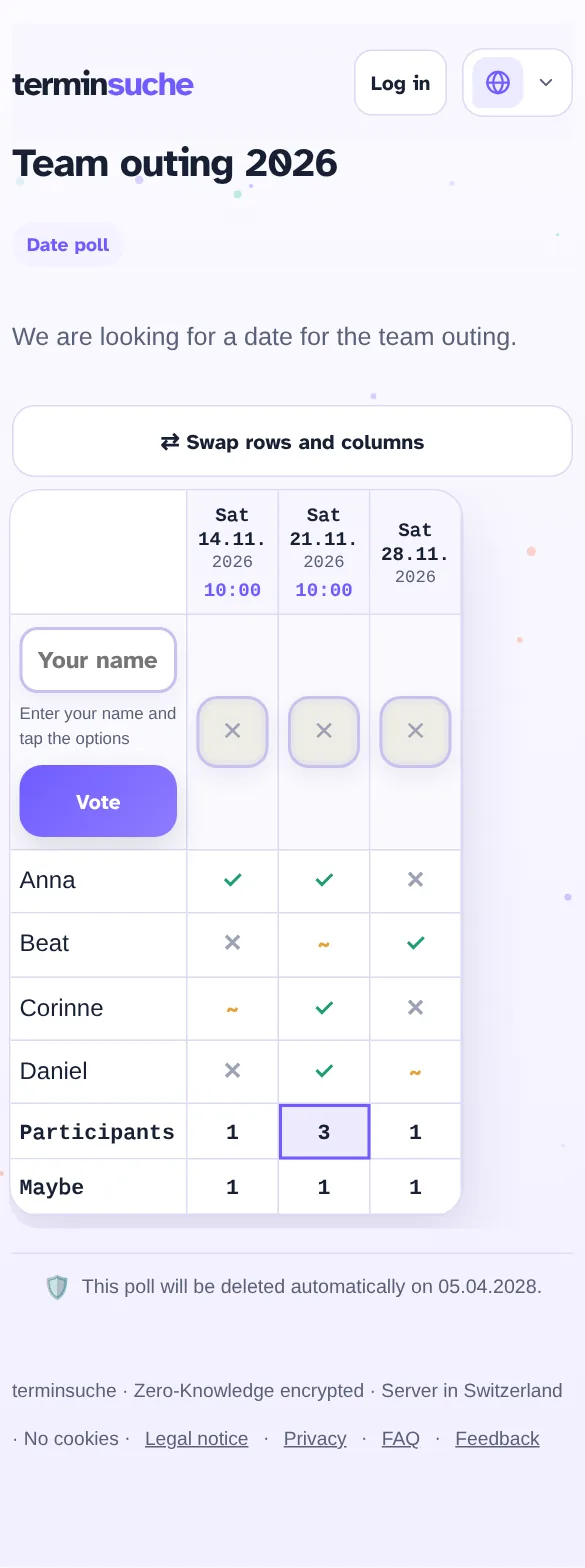
The poll is optimised for small screens. With “Swap rows and columns” you flip the table: participants become columns, dates become rows – ideal with many options.
4. Manage and analyse
With the admin link you see additional tools:
- Edit or delete individual votes
- Filter by name, option or response
- Export the result as an Excel file
- Close or delete the poll