Questionnaires like Google Forms – but private
Ten question types, analysis with charts and Excel export. The responses are encrypted and readable only by you – not by us and not by other participants.
Ten question types
Choice
Single choice, multiple choice or dropdown – with as many options as you like.
Image choice
Let people choose images, for example logos or designs. One or several.
Free text
Short answer for a word or a line, long answer for detailed opinions.
Scale and stars
Ratings with stars or a scale from 0 to 10 with your own labels.
Date
Ask for a date, such as the best start date.
Number
Numbers with a range, decimal places and a unit, for example a budget in CHF.
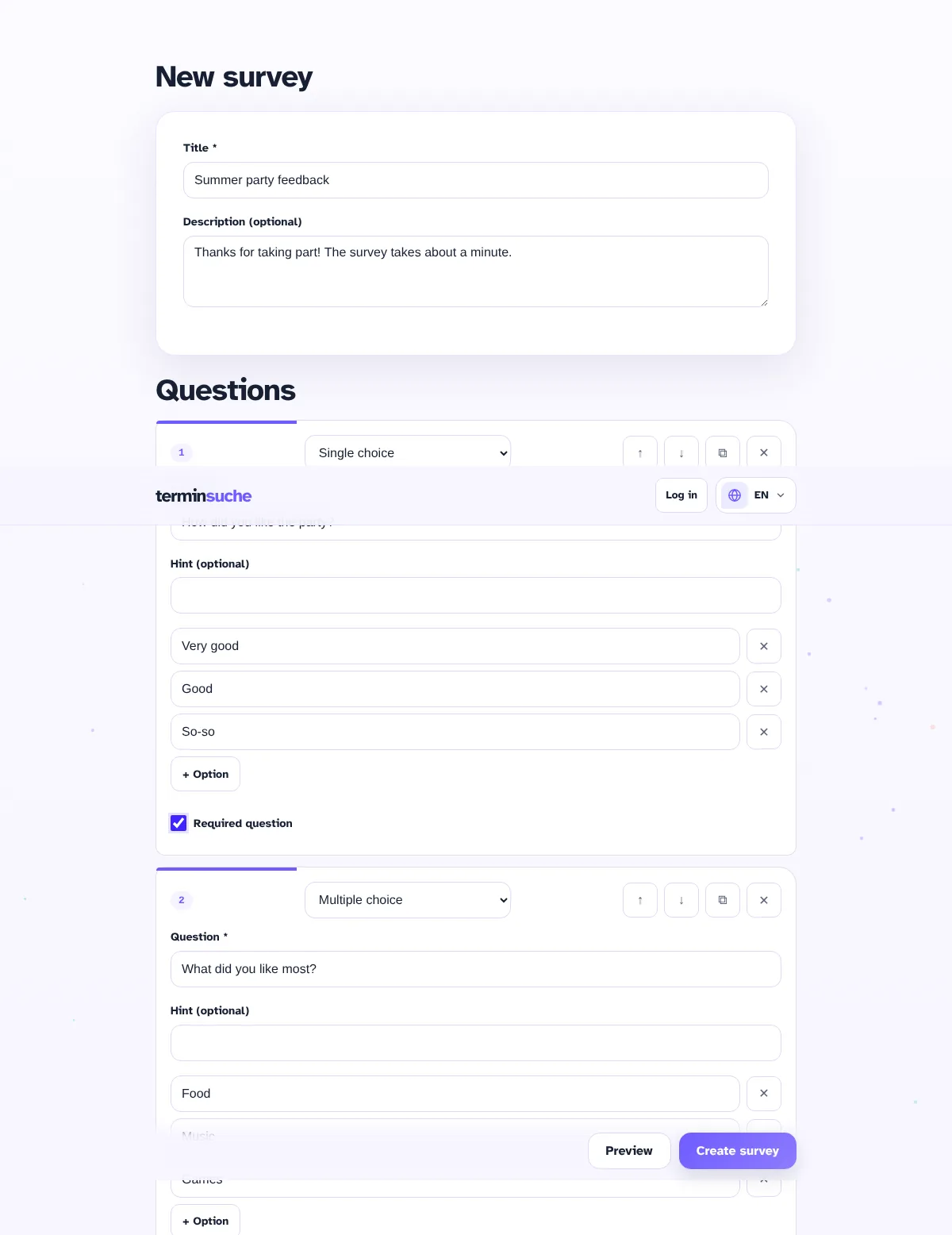
You can mark each question as required, add a hint, move it, duplicate it or remove it.
Create a questionnaire
- Enter a title and description.
- Add questions and choose the type.
- Check in the preview how participants will see the questionnaire.
- Create it – you receive a participant link and your confidential admin link.
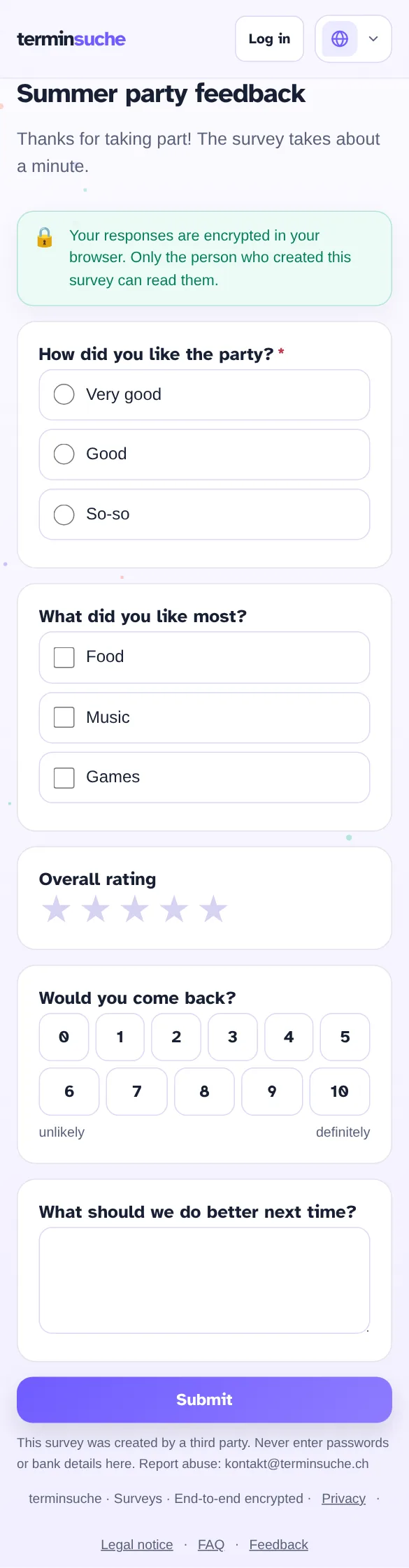
Easy to fill in – on your phone too
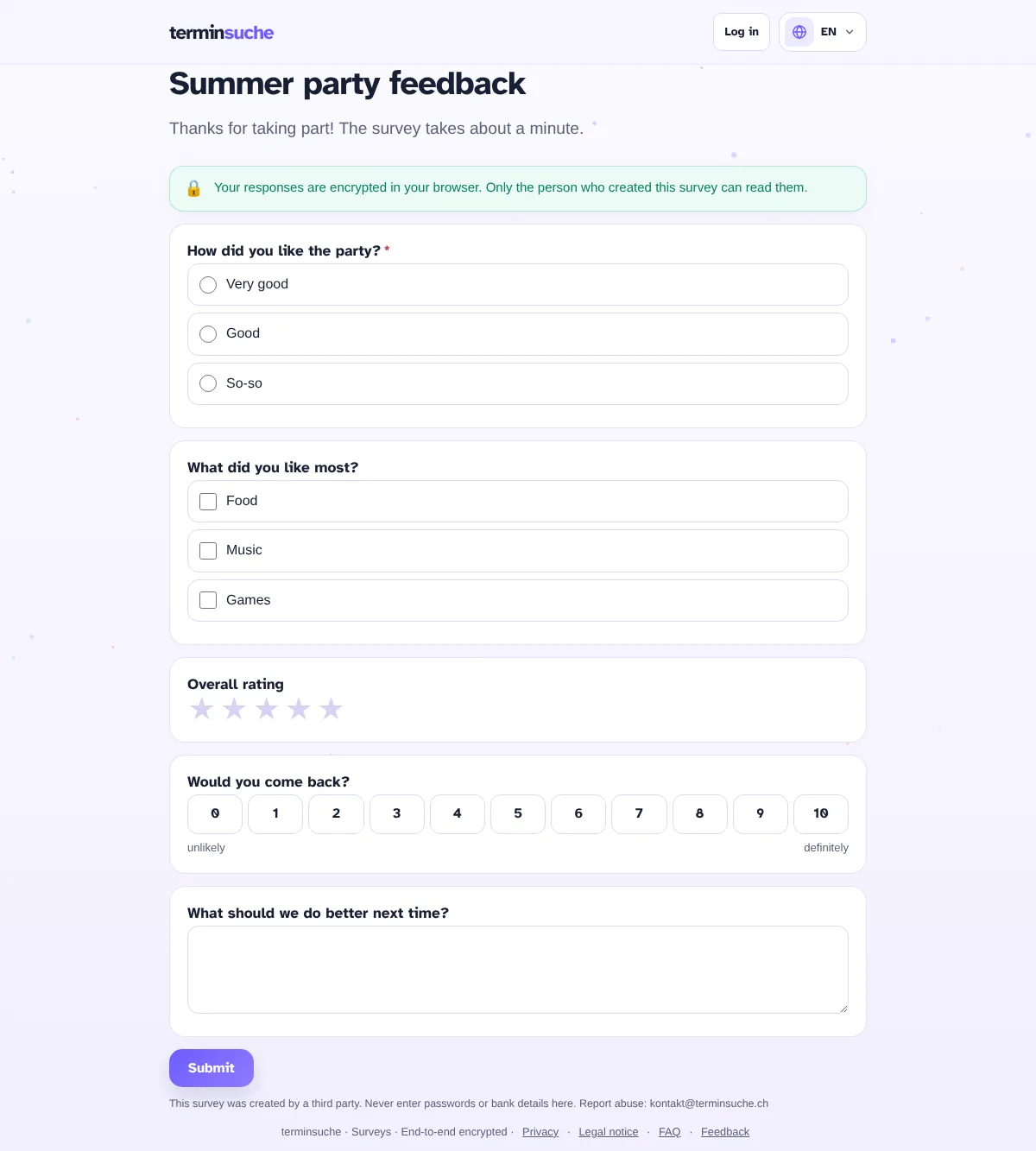
Participants open the link and respond without an account and without registration. Missing required questions are highlighted, numbers and ranges are checked.
Analysis at a glance
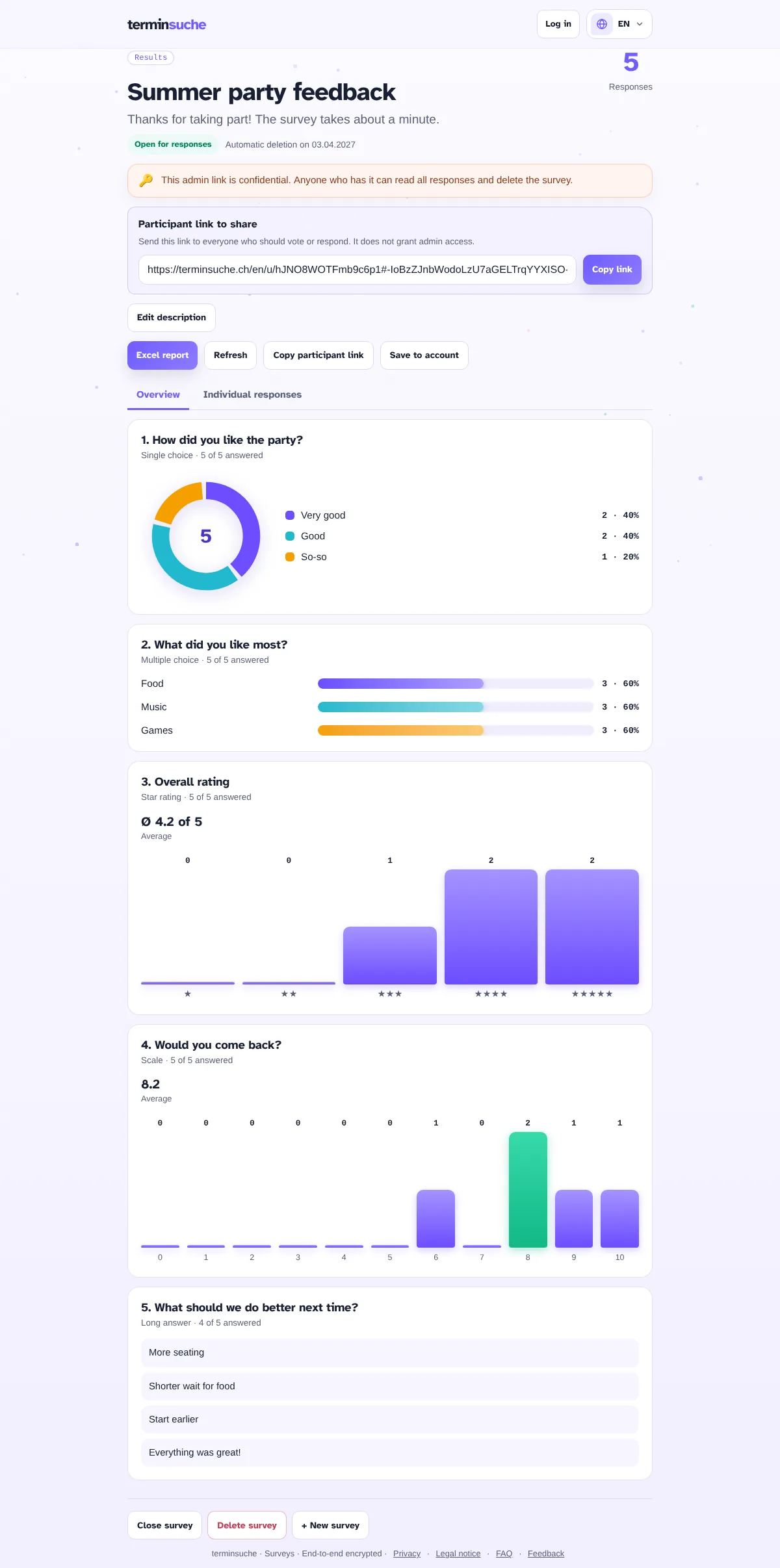
With the admin link you see all responses: pie and bar charts, averages for stars and scales, and free-text responses. Everything can be exported as an Excel file.
Overview
Charts, percentages and averages per question.
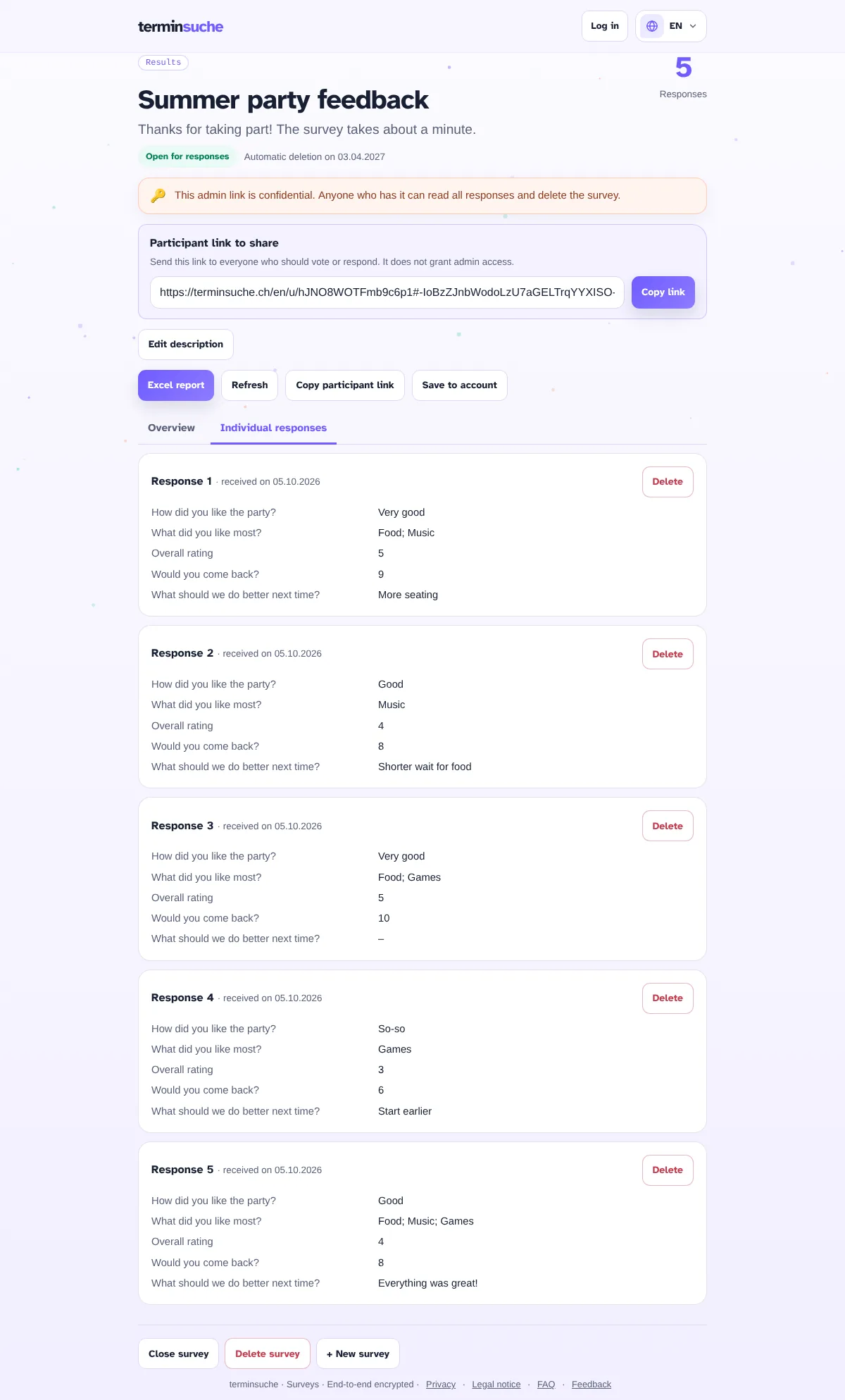
Individual responses
View each response individually and delete it if needed.
Excel export
Analysis as a table, created directly in the browser.
Individual responses
In the second tab you see each response individually. This way you can tell who answered what, if you ask for names. You can also close or delete the survey at any time.